















Into Lightroom
Save to a new or existing catalog, with optional FotoLab editing.
Group related photographs, compare them at full size and rate your selections. Adjust grouping by scene, people or pose.
Open your shoot and begin reviewing your photos immediately. The gallery view is lightening fast, scrollable and responsive.
Group your shoot by image similarity, people and pose, so the photos you want to compare are side by side.
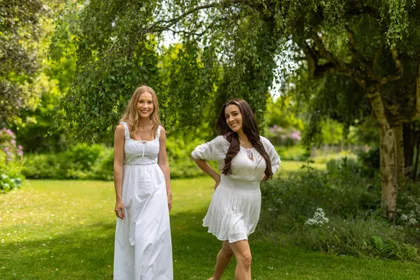
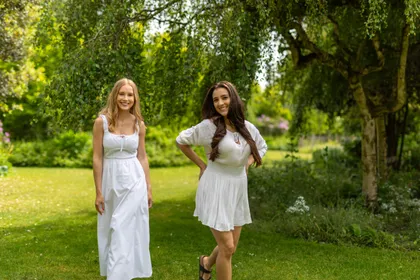
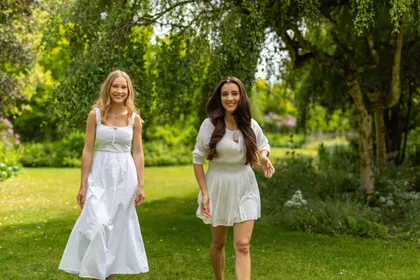
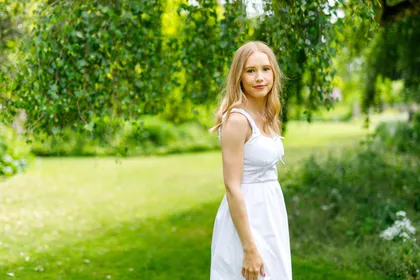
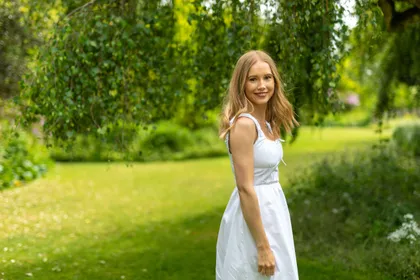
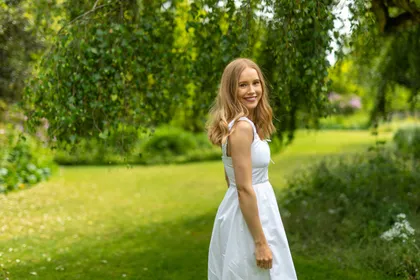



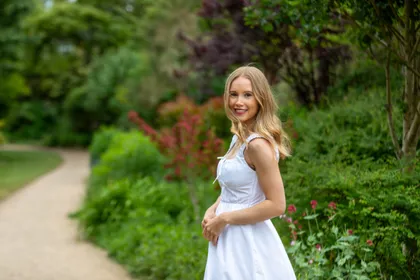


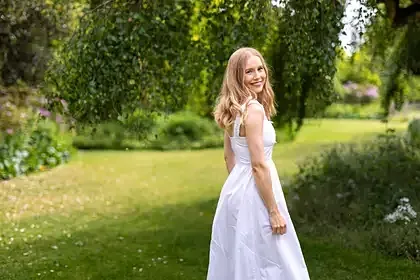
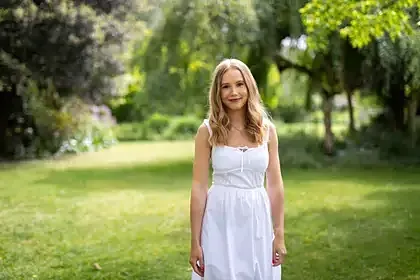
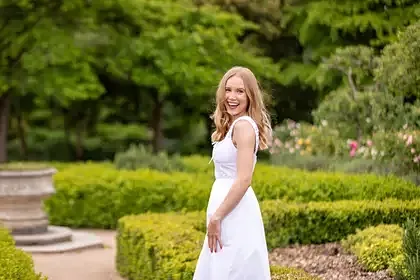
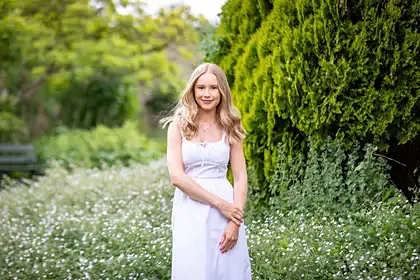
The same photos, ready to organise in different ways.
Use image similarity to compare photos with a similar setting and composition.
Adjust scene similarity, people and pose to control how photos are grouped. Here, increasing scene similarity creates more specific groups.
Bring photos of the same people together. FotoLab groups by timeline first, then applies your chosen settings.
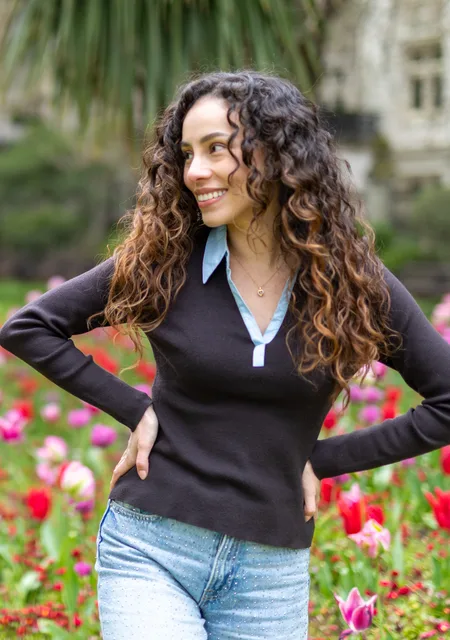
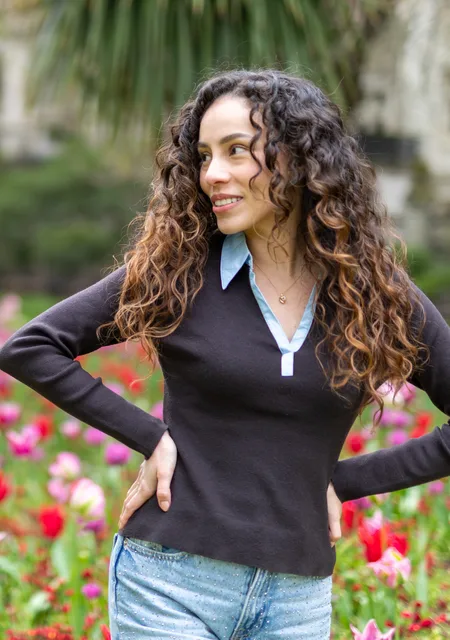
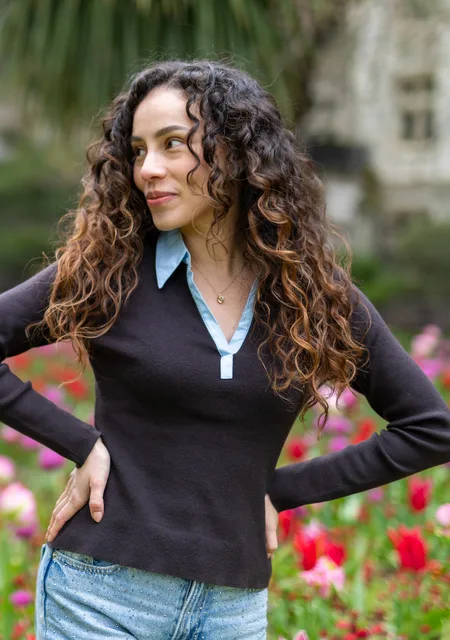
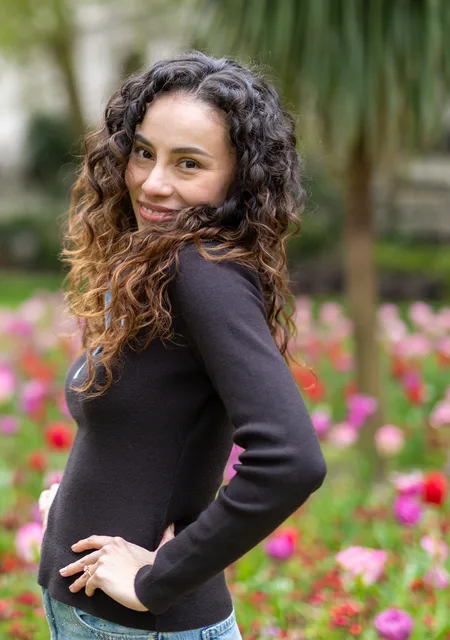
Group photos by the subjects’ body poses. Useful for comparing shots from modelling sessions or couples shoots.
Combine similarity, people and pose to suit your workflow.
Scrolling in the gallery is immediate, and super fast. Or use the timeline tool to preview snapshot moments to find a particular part of the shoot and navigate to it.
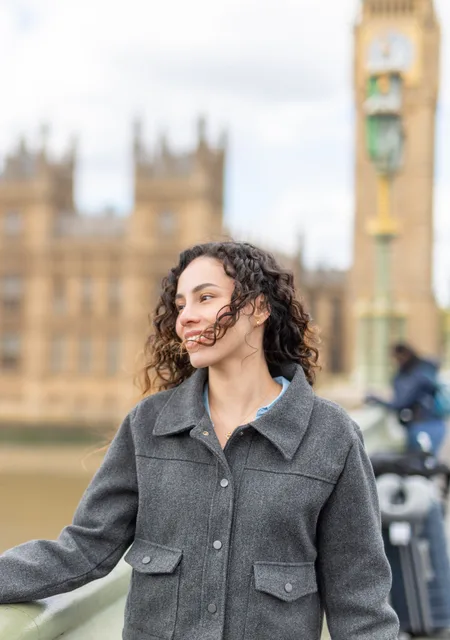
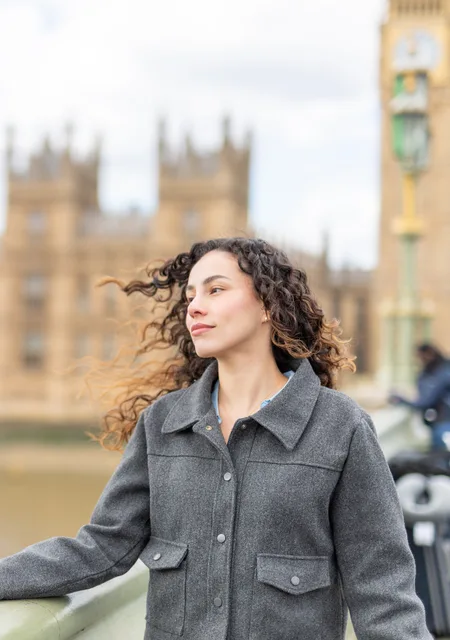
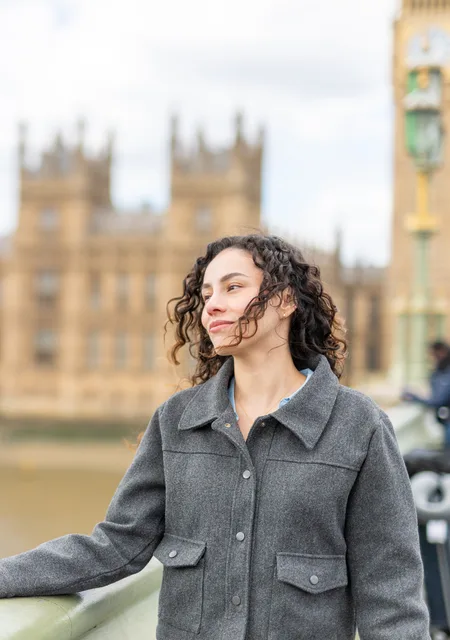
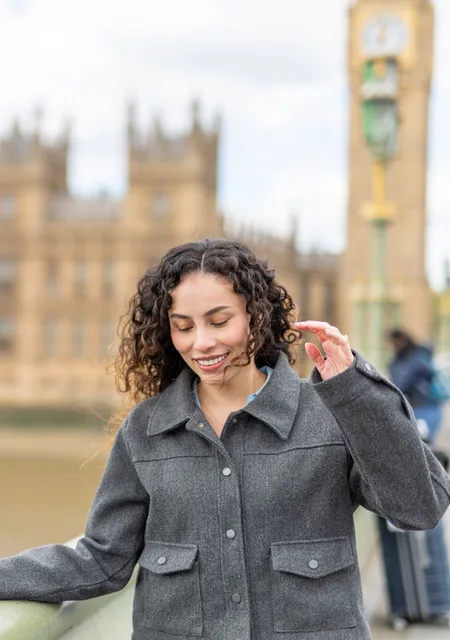
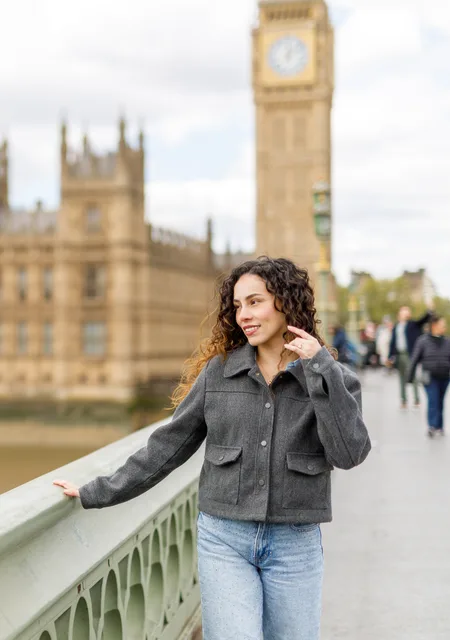
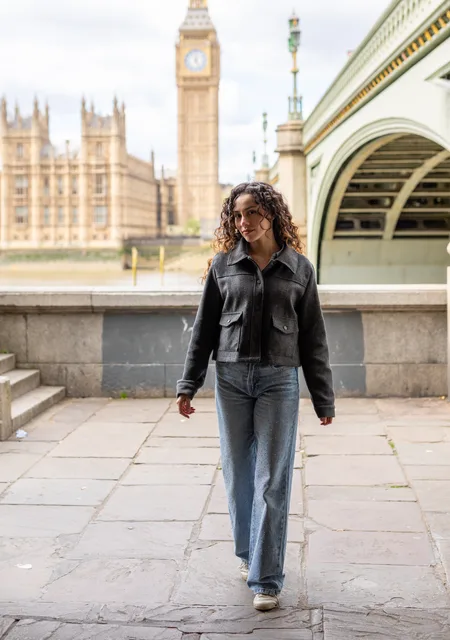
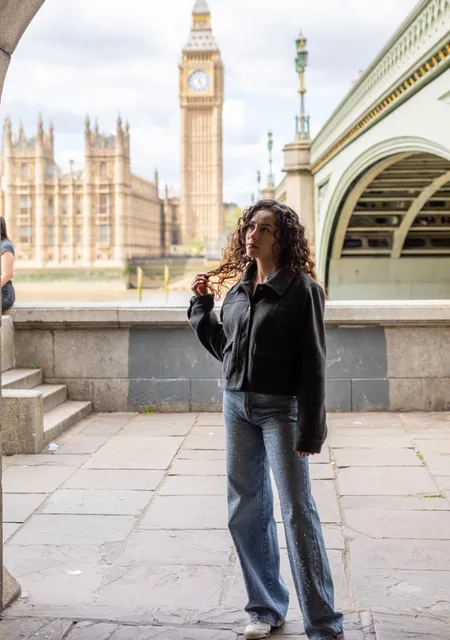
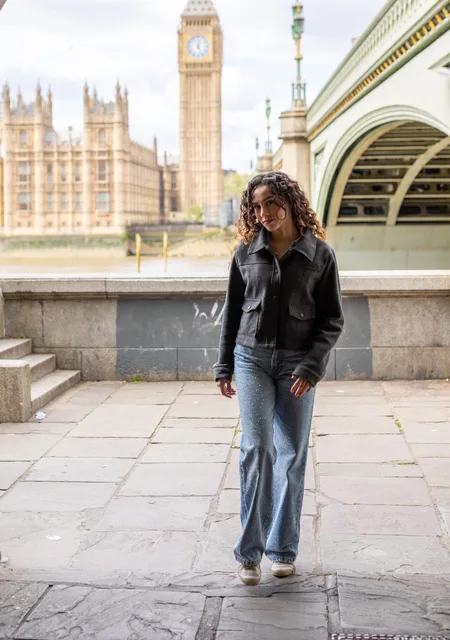
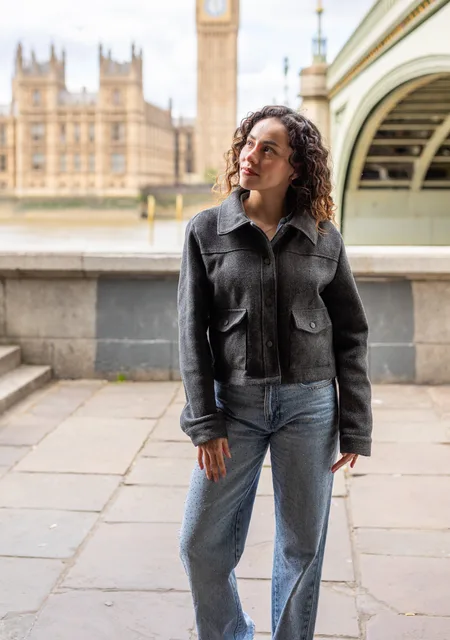
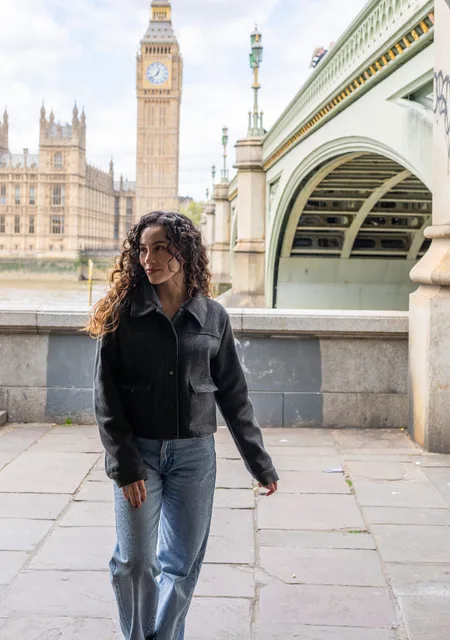
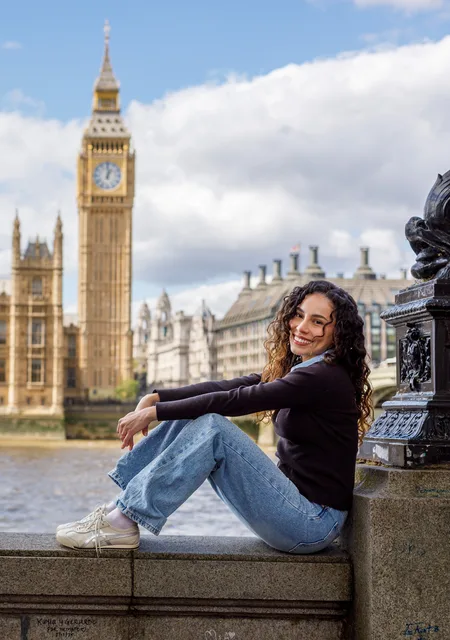
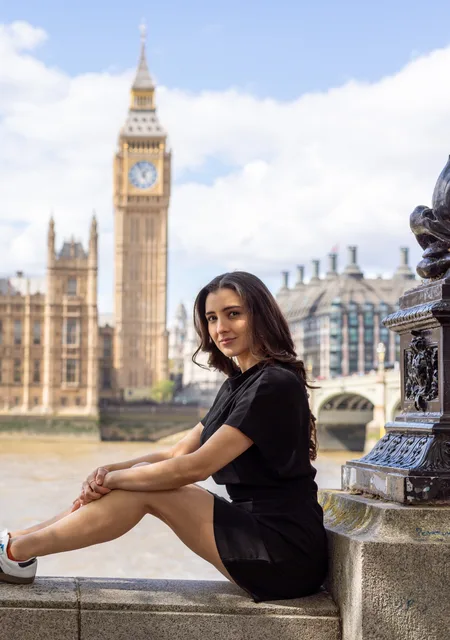
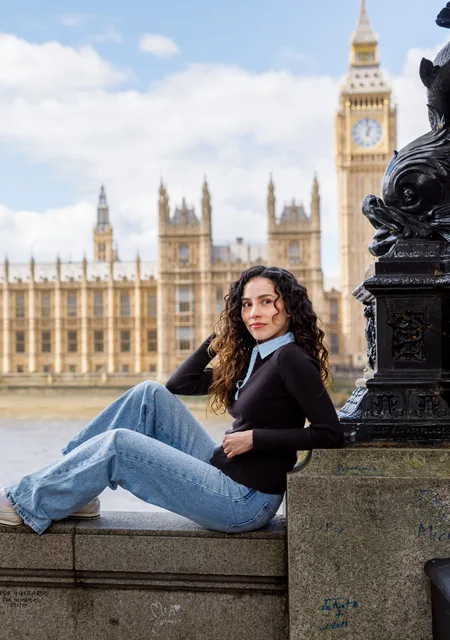
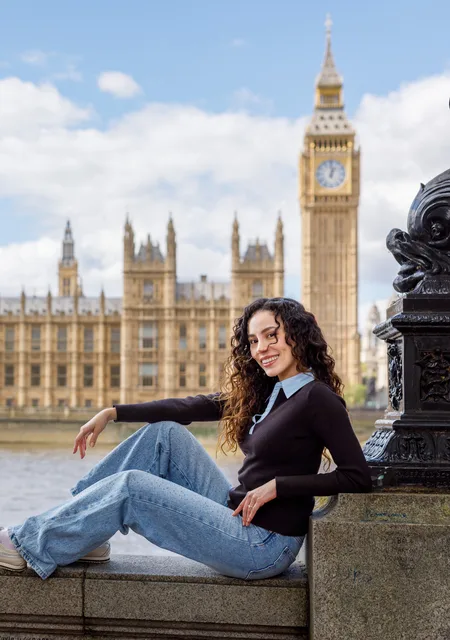

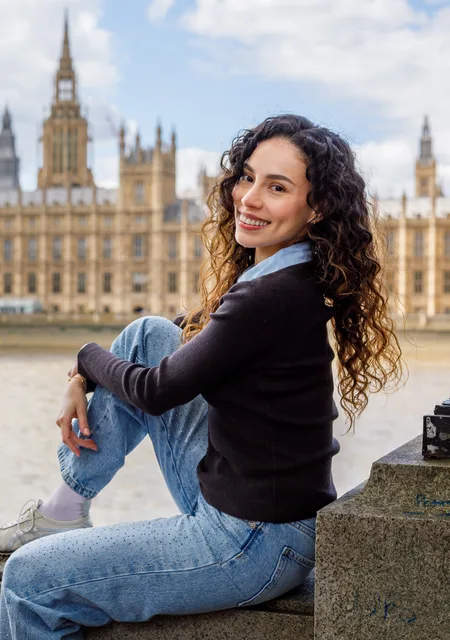
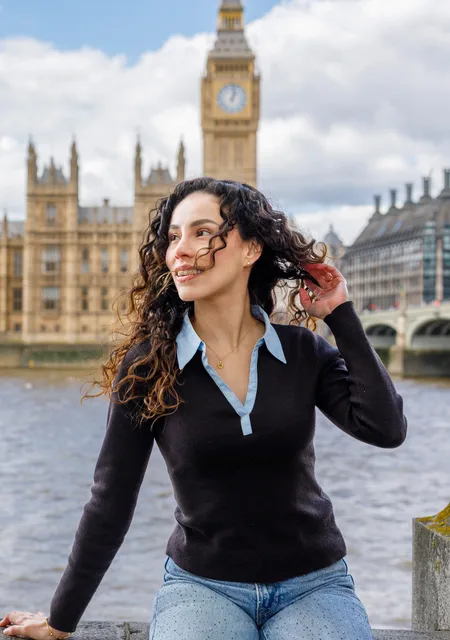
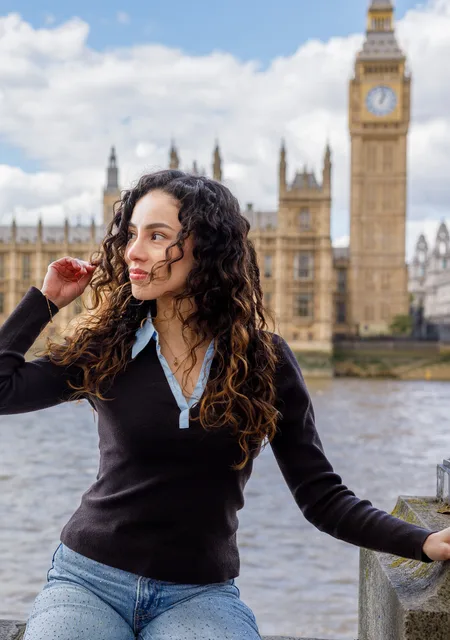
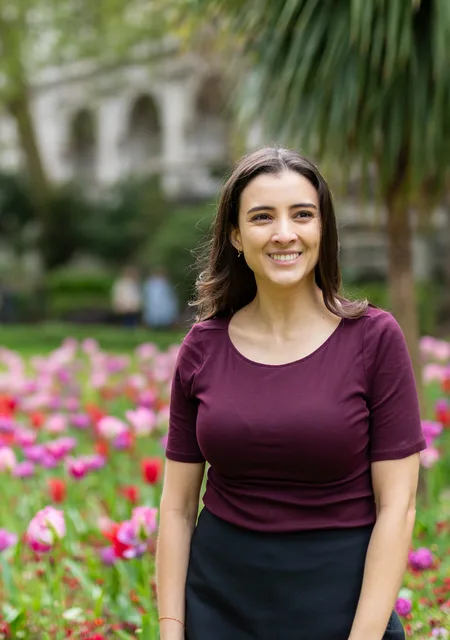
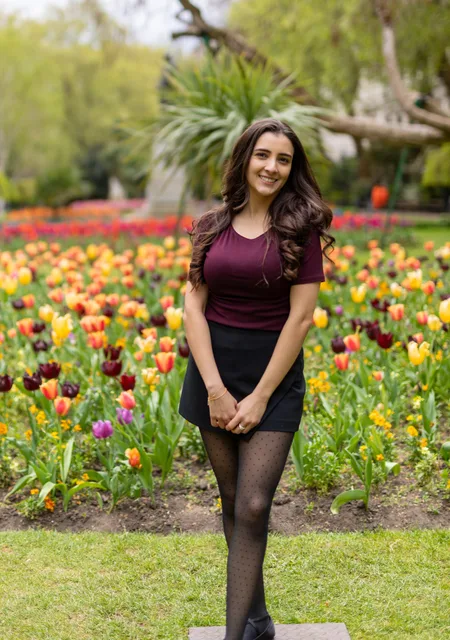
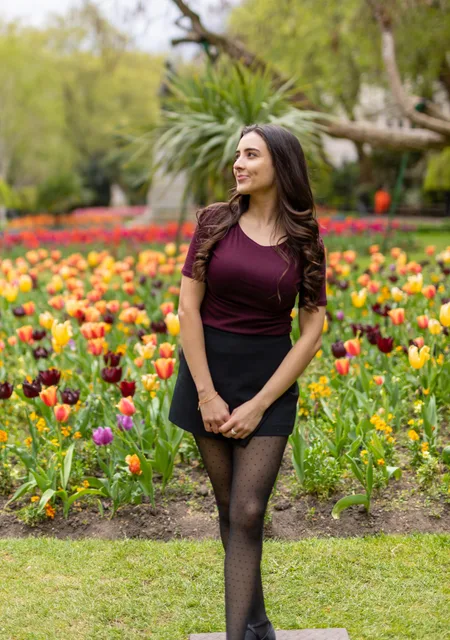
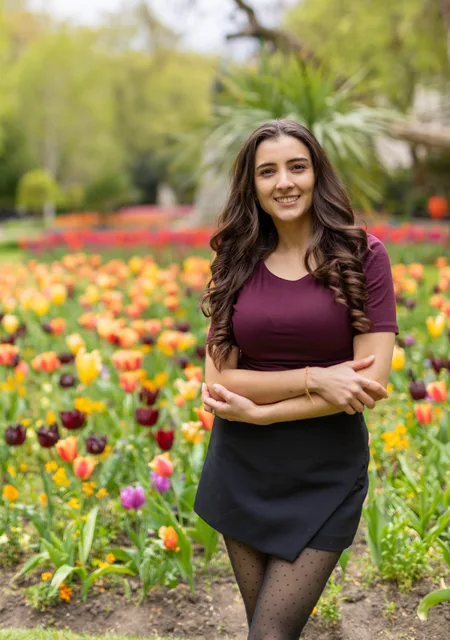
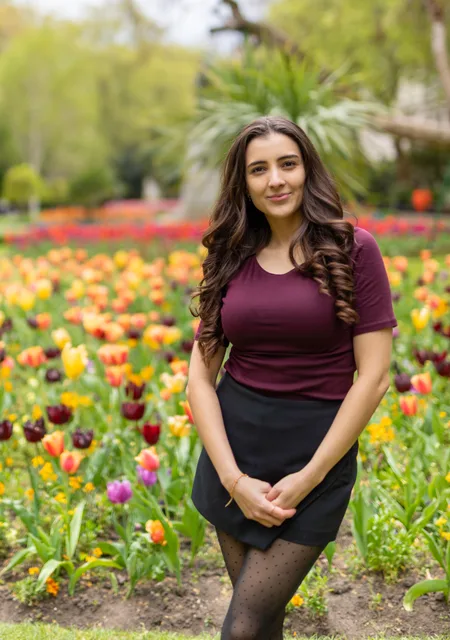
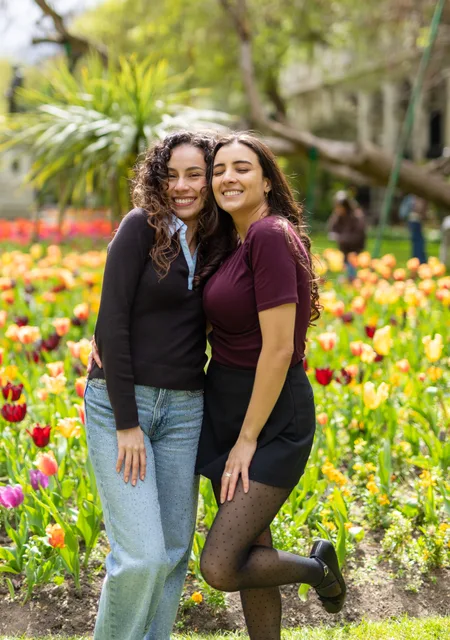
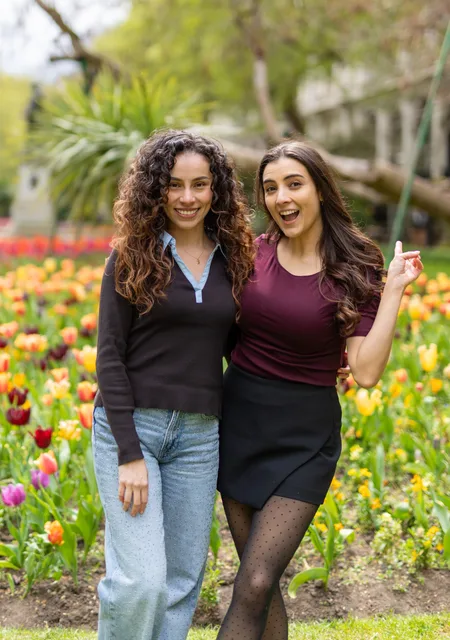
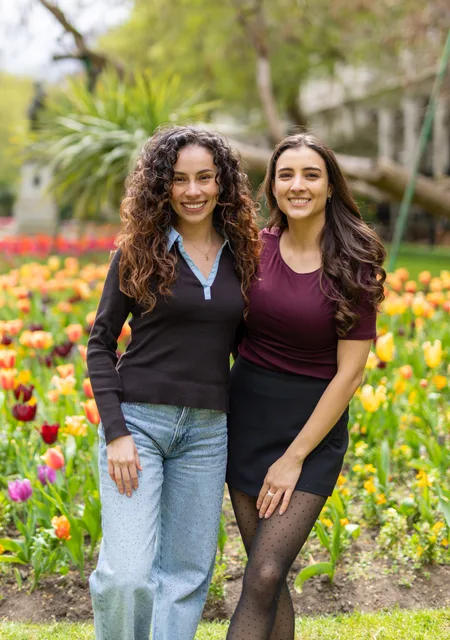
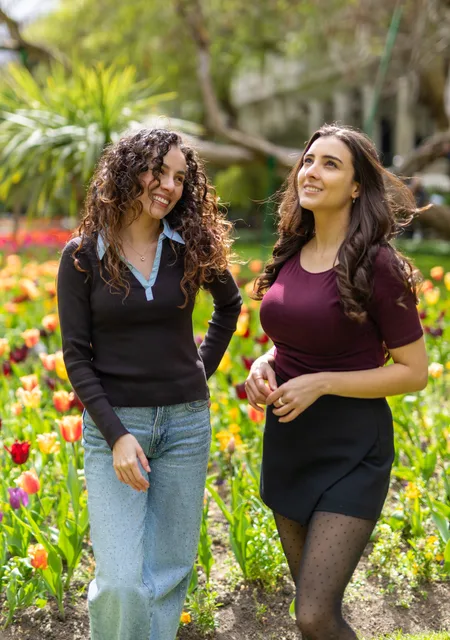
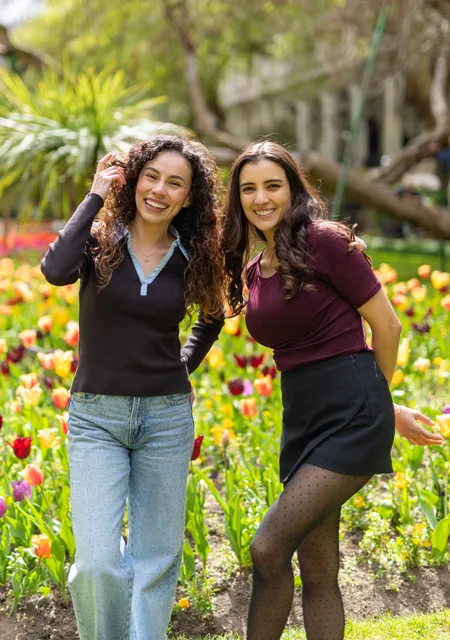
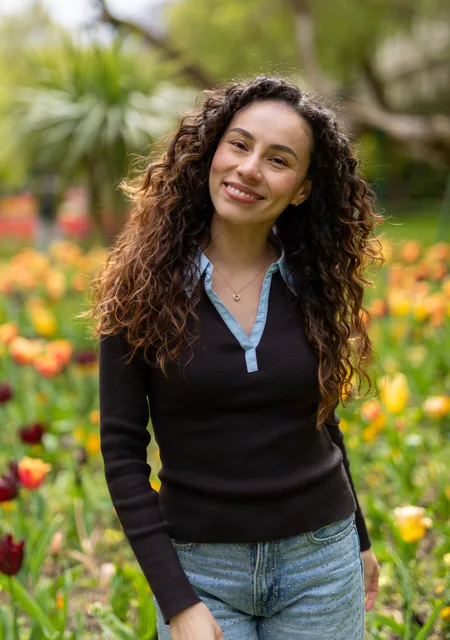
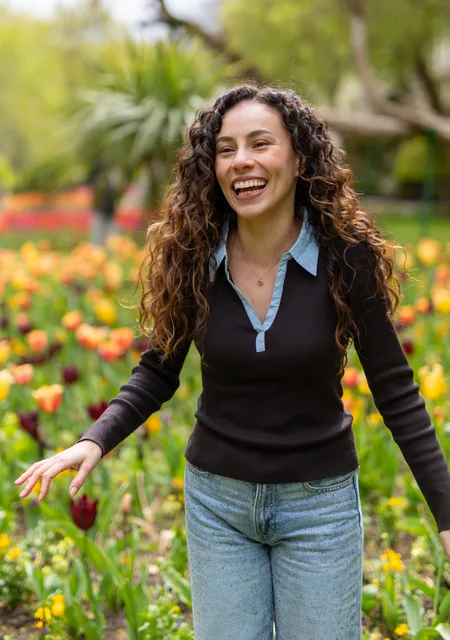

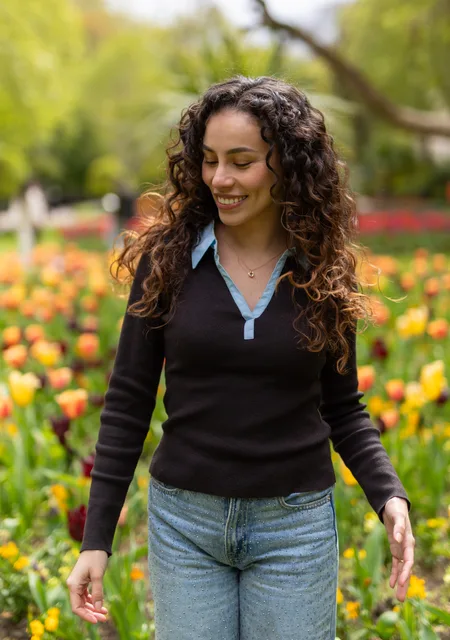
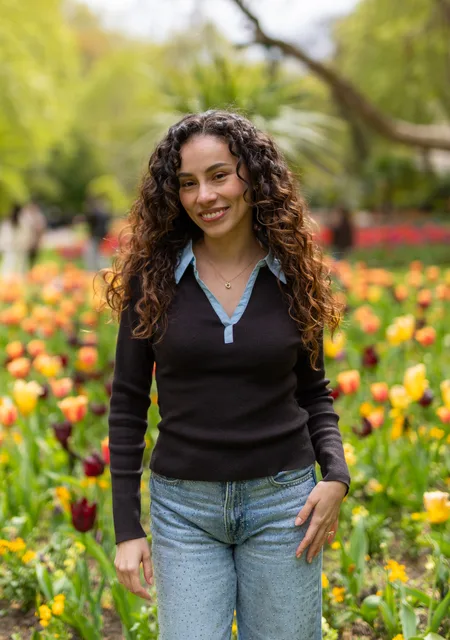
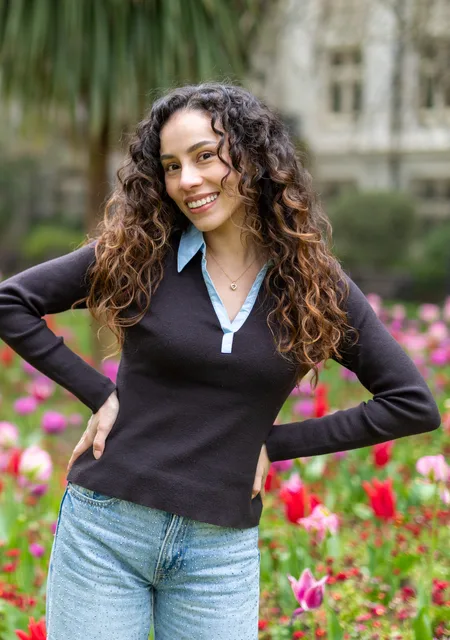
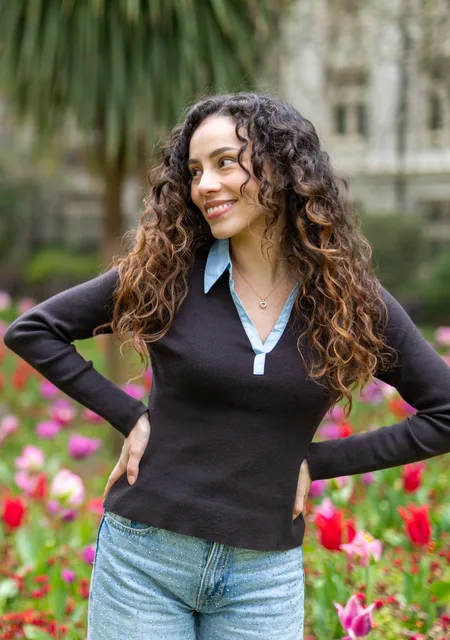
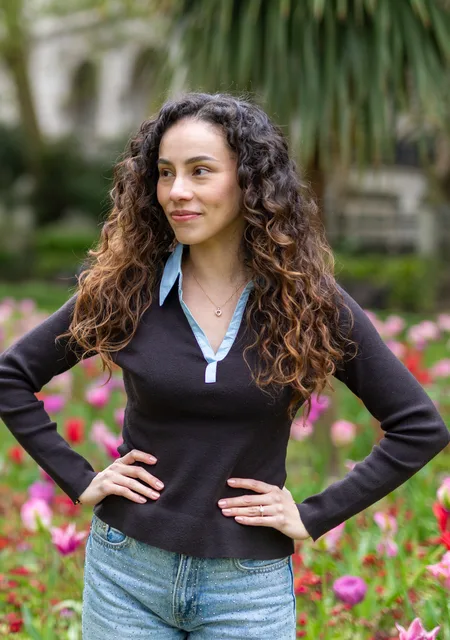
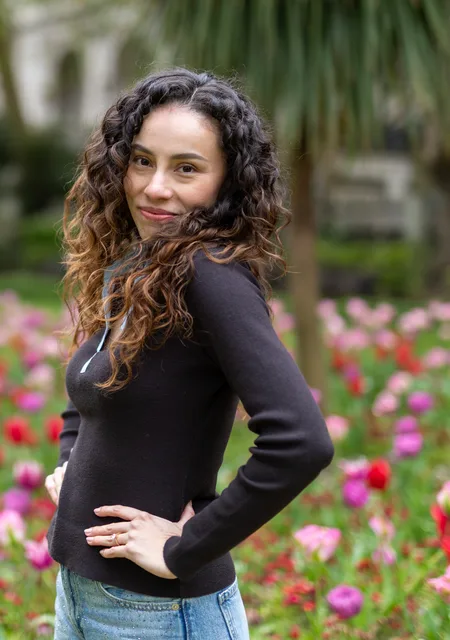
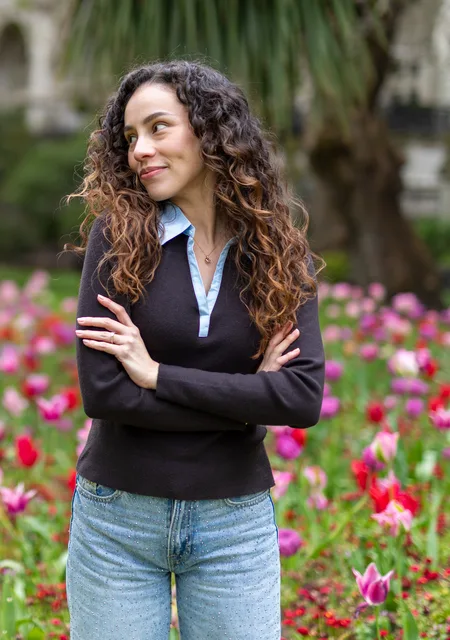
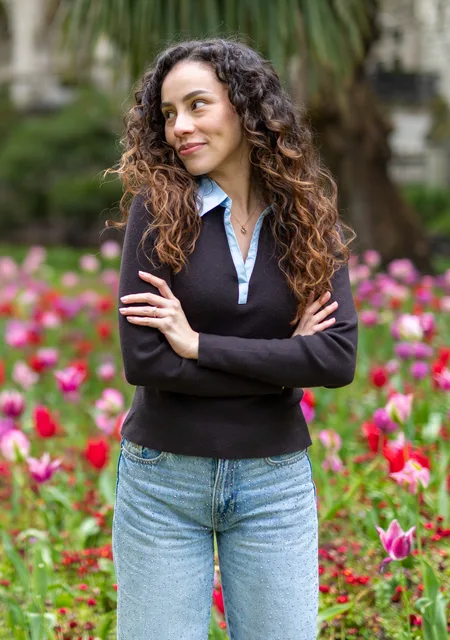
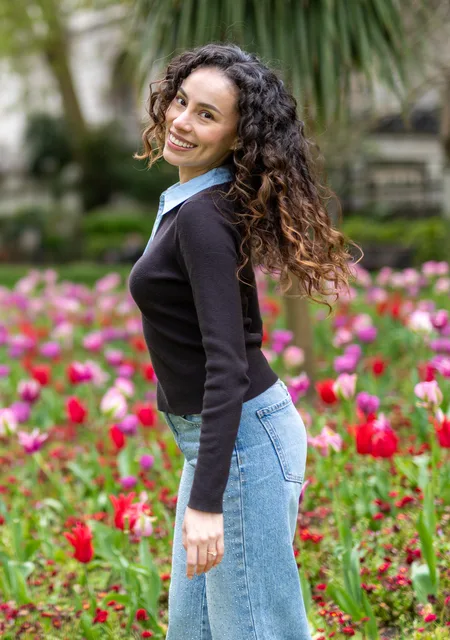
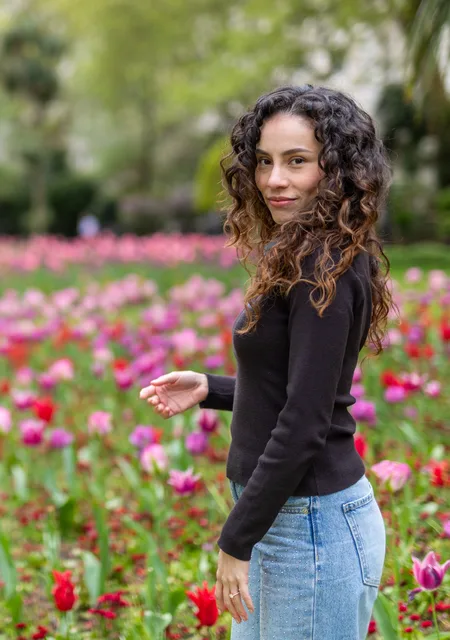
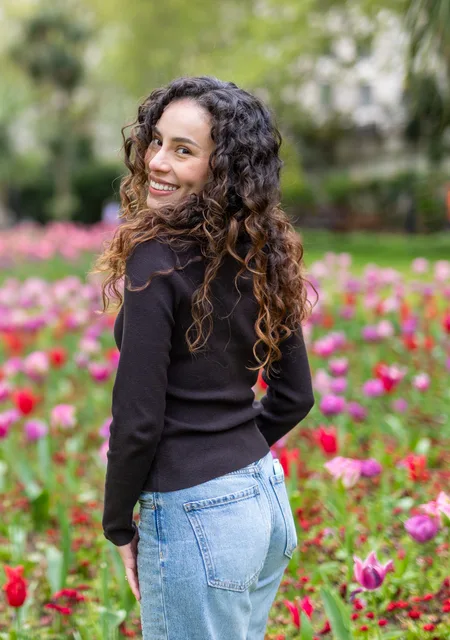
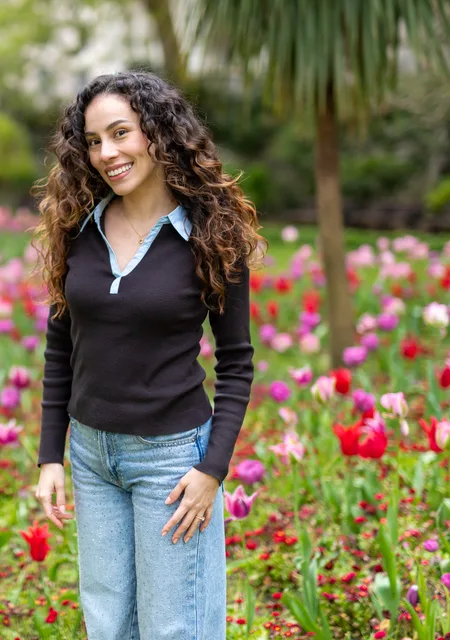
Automatically match frames across cameras to correct their timestamps. Review FotoLab’s suggested alignment or adjust each camera manually.
Drag to adjust. Camera A is the reference.
The same moment spans 56 minutes across five cameras.
Compare related frames while keeping neighbouring groups in view. Inspect detail at 1:1 and rate your selections.
In the desktop app, use your left hand to rate photographs and move between groups, while your right hand navigates and opens images.
1–5 Rate photographs
A D Change groups
← ↑ ↓ → Navigate photographs
Enter Open / inspect
Customise the group-navigation keys to suit your setup.
Show detected faces or review blinks and soft subjects separately. Adjust sensitivity without changing your originals or ratings.
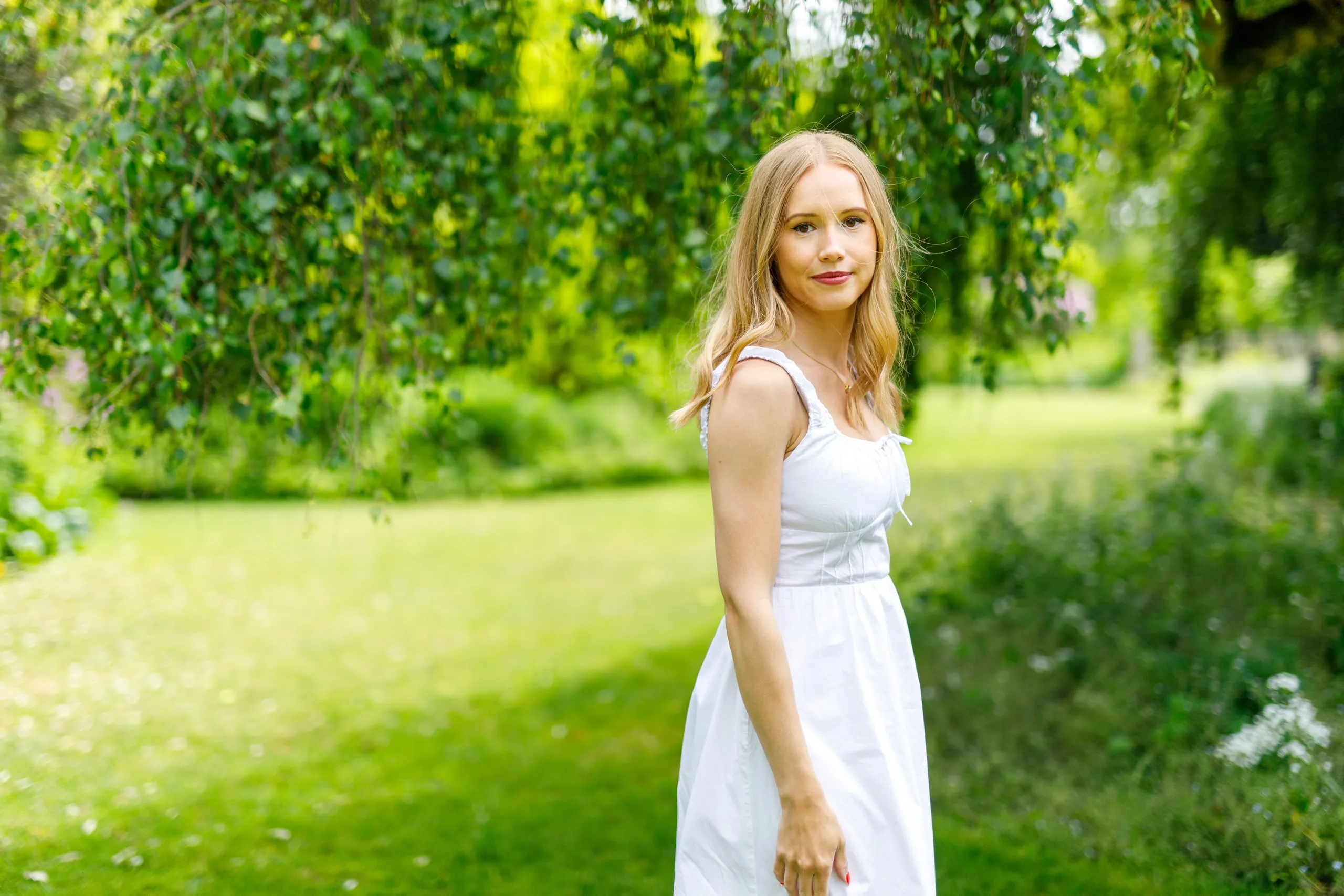
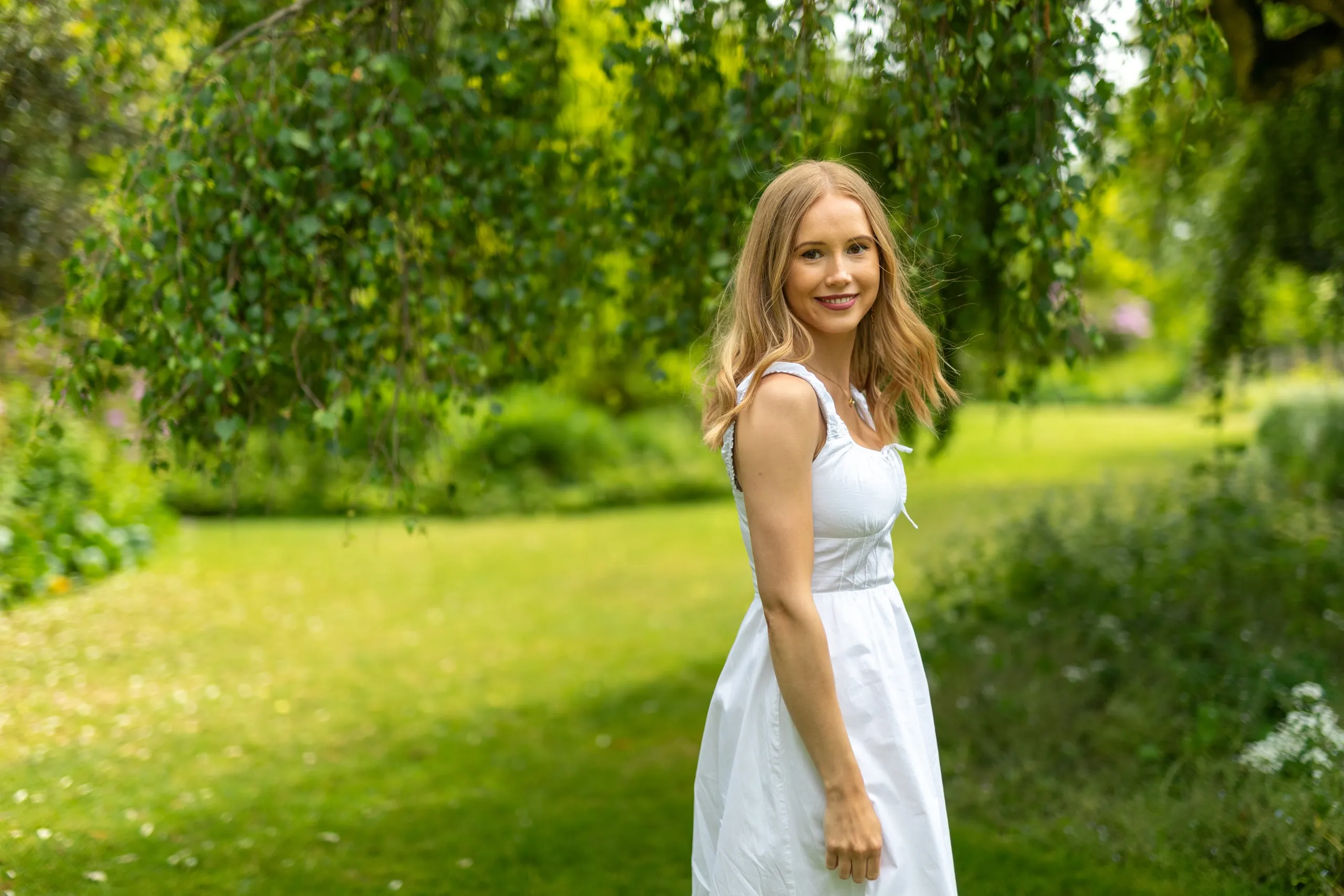
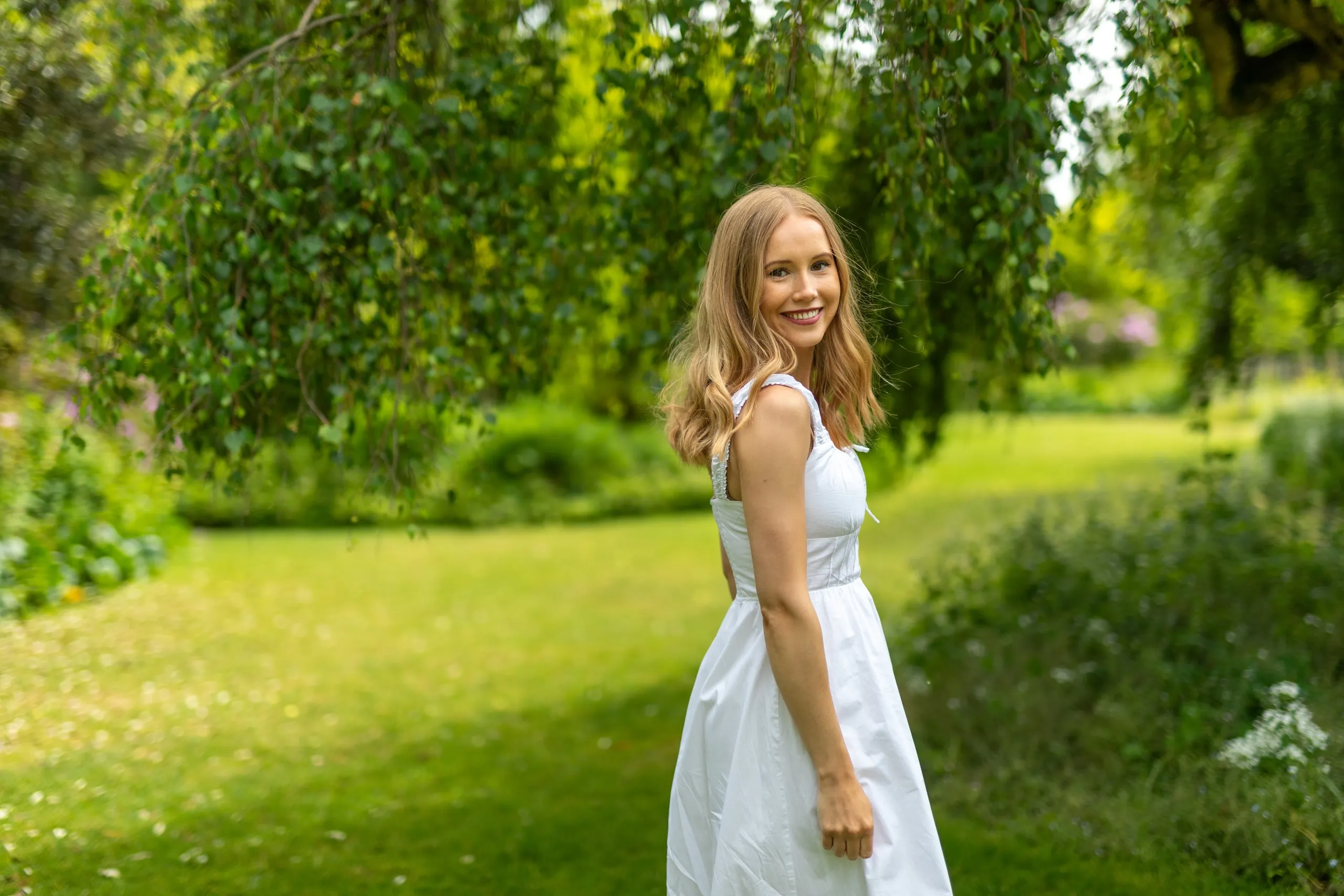


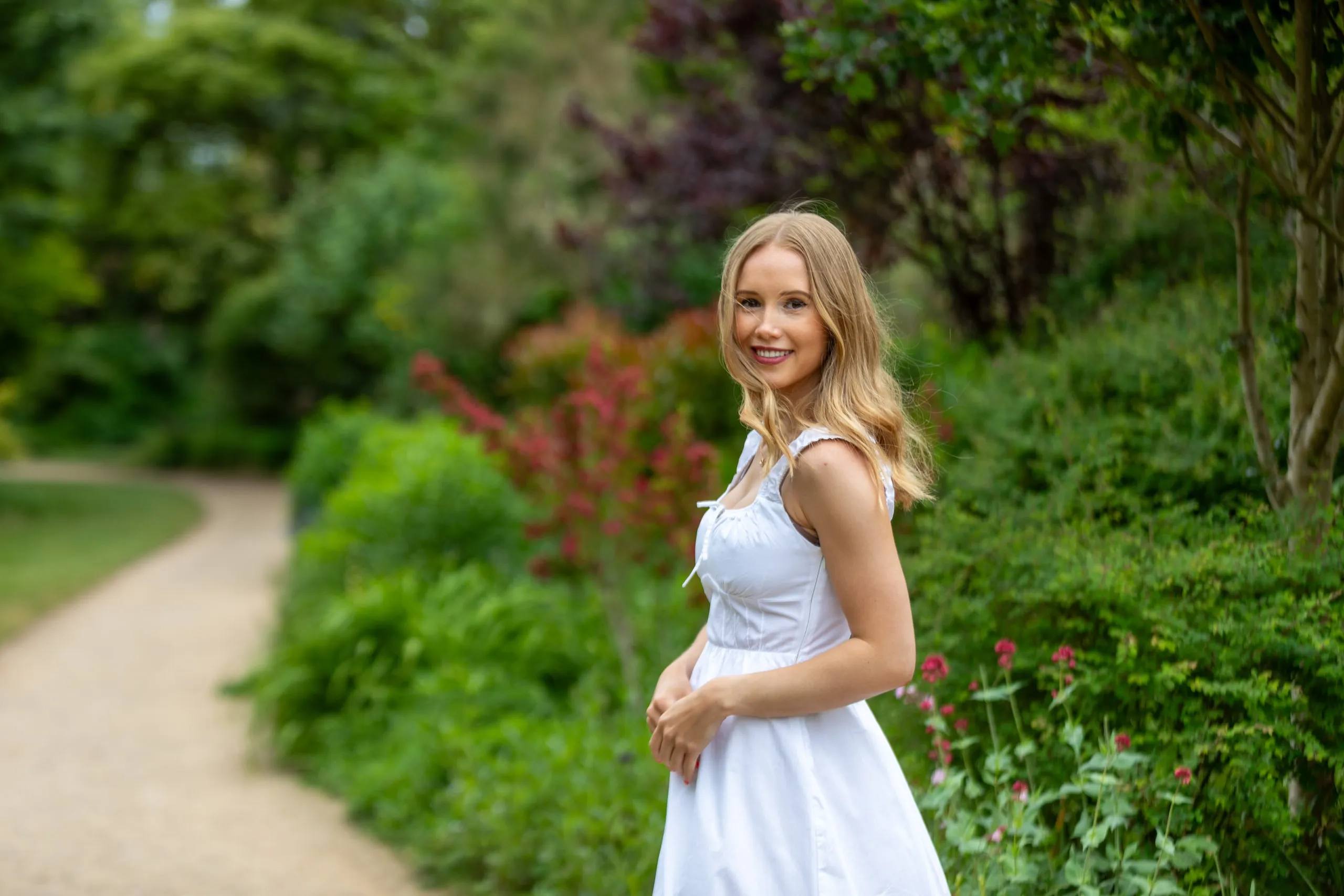
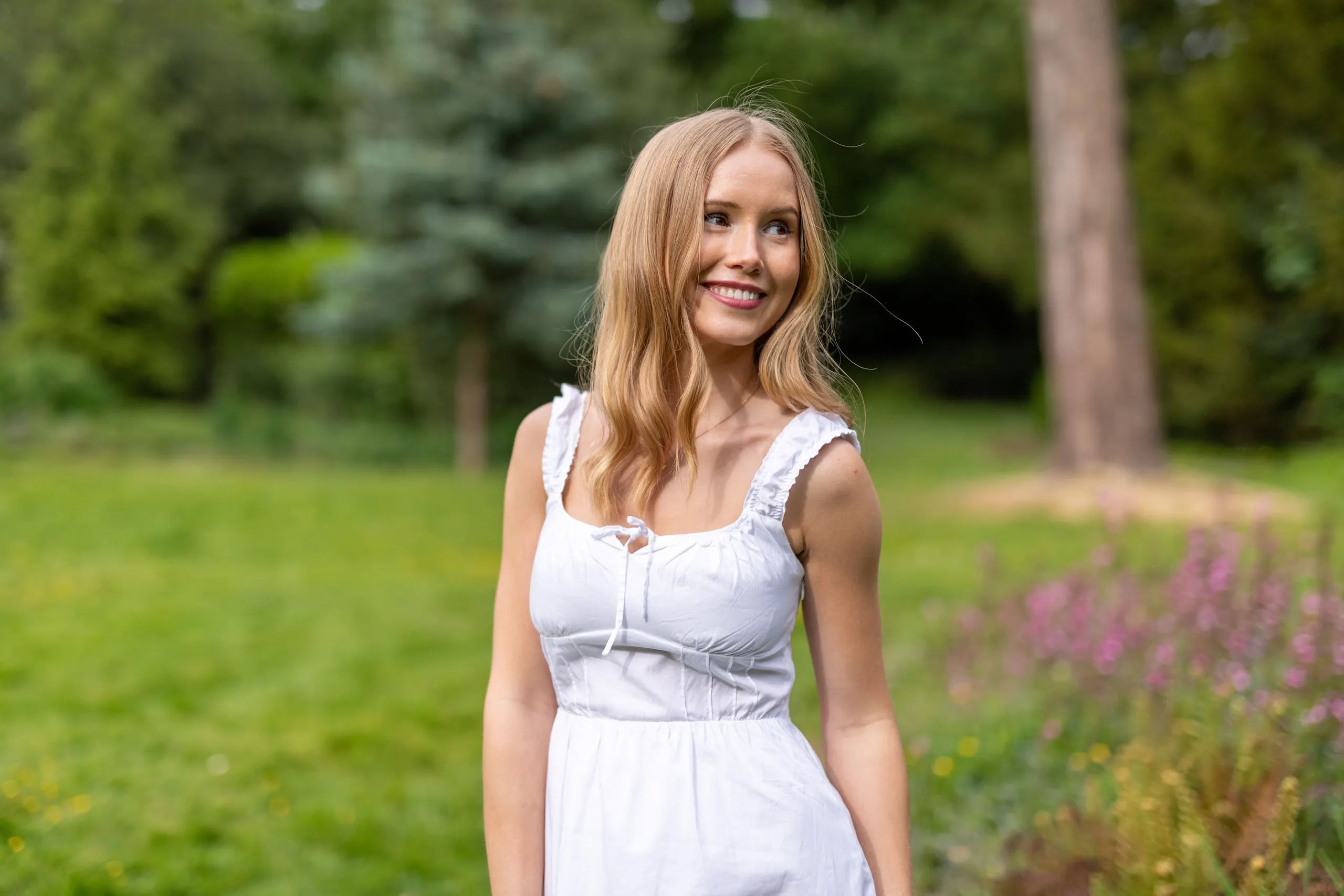

Swipe the thumbnail strip to move between groups. Click or tap any thumbnail to view that photograph, and select a star rating. Select the same rating again to clear it. Click or tap the photograph to inspect detail at 1:1; drag to pan. Arrow keys browse or pan, A and D change groups, 1–5 rate or clear the same rating, 0 clears, Enter toggles detail and Escape returns to fit.
Use previous rated shoots to train an optional model that suggests selections. Choose by group or target count, then review and adjust the shortlist.
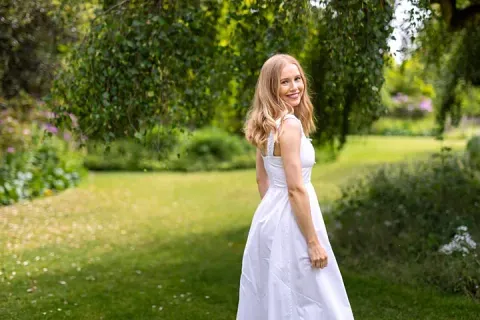
 Selected for training


 Selected for training
 Selected for training






Photographs and ratings
Apply your editing style to your selections, then review and refine the adjustments in Lightroom.
Explore photo editingAutomation for every workflow. Choose your folders and let FotoLab process incoming RAWs in your style.
Explore automation