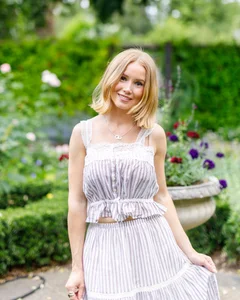
Temperature
62.4%
of FotoLab photos on target
A match is within 200 K of the photographer’s temperature setting.
Train on your edited photos, then use FotoLab to automatically edited new ones in your style. Review and adjust the results in Lightroom.
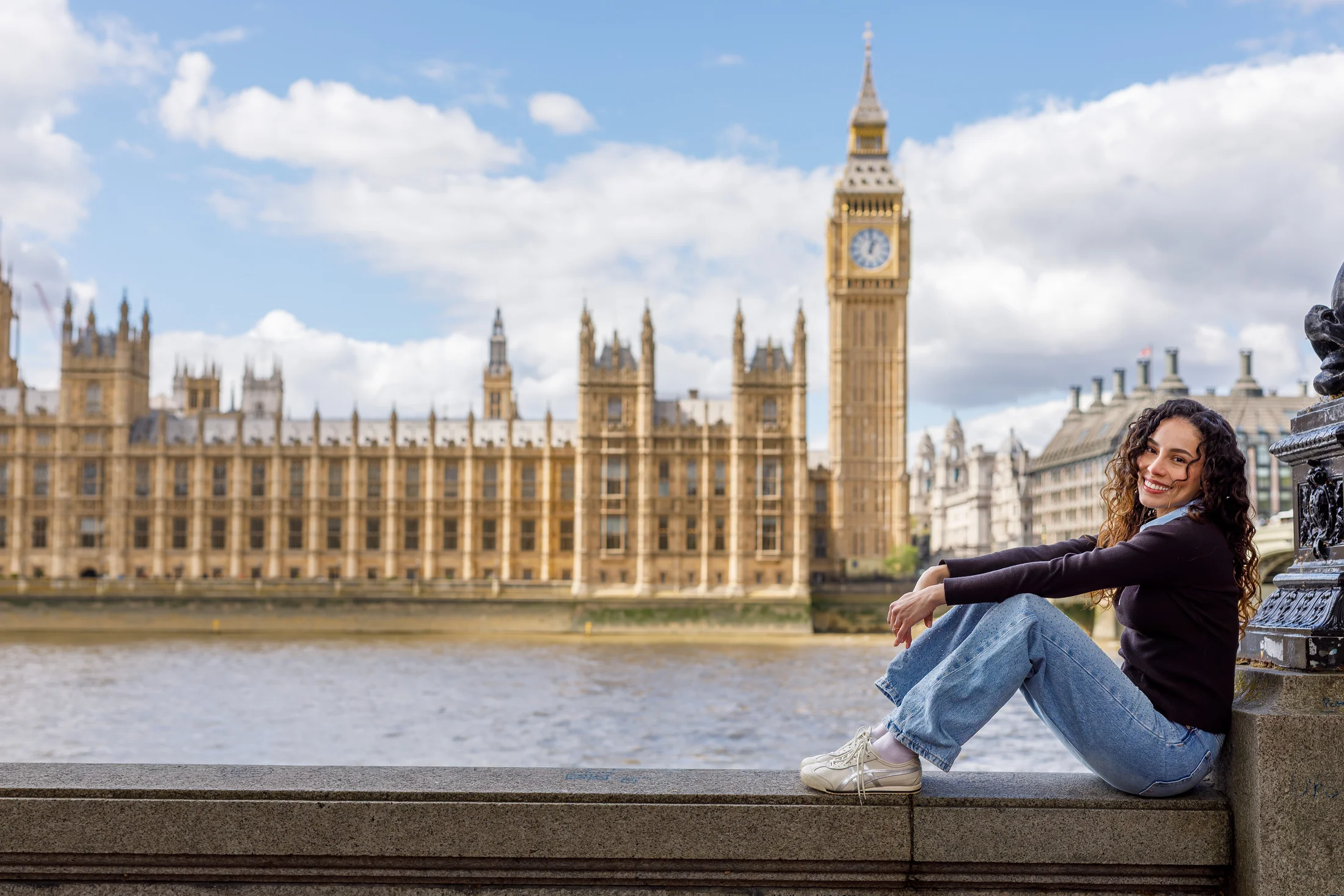
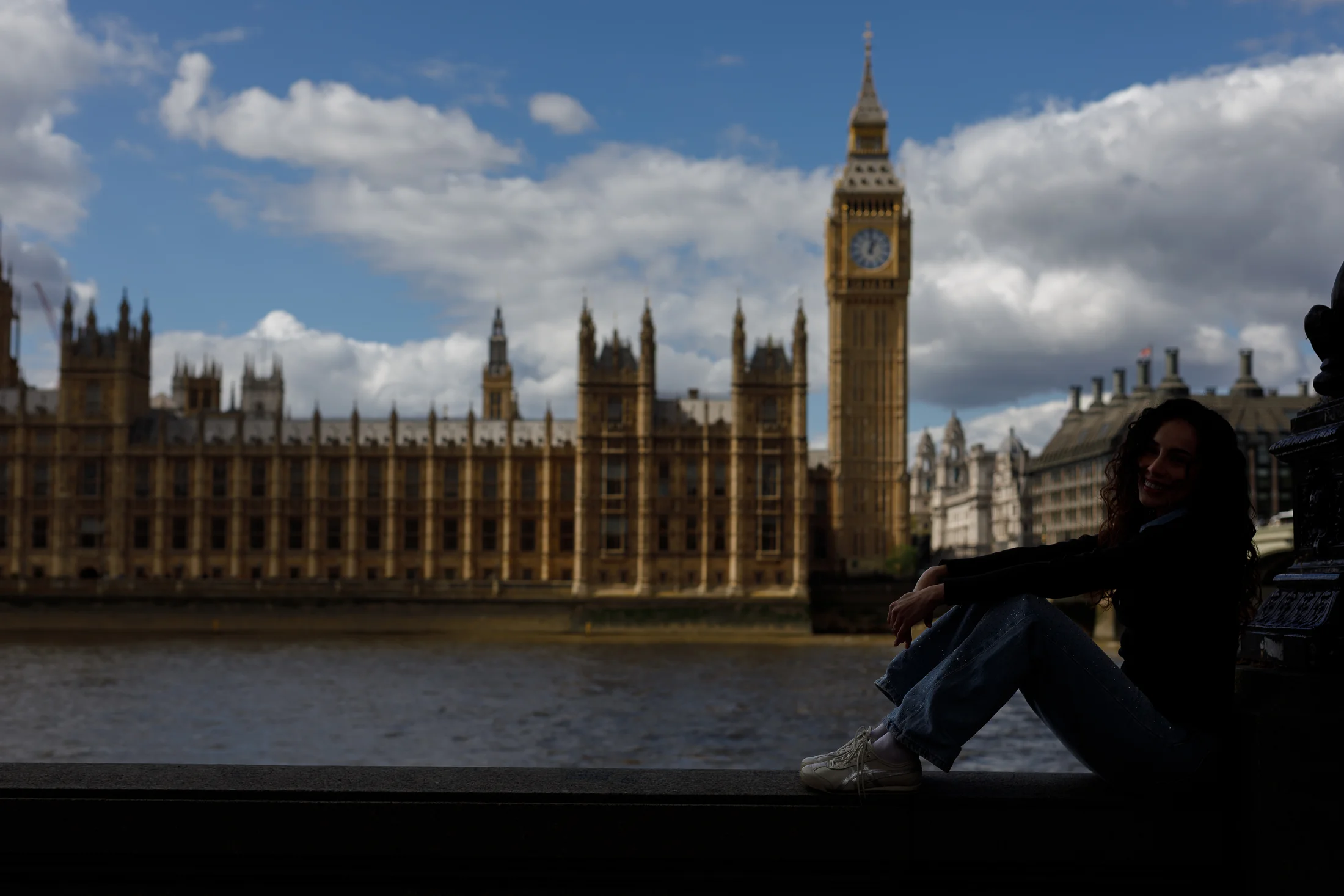
FotoLab’s Mercury model learns your editing style across different lighting, backgrounds and skin tones.
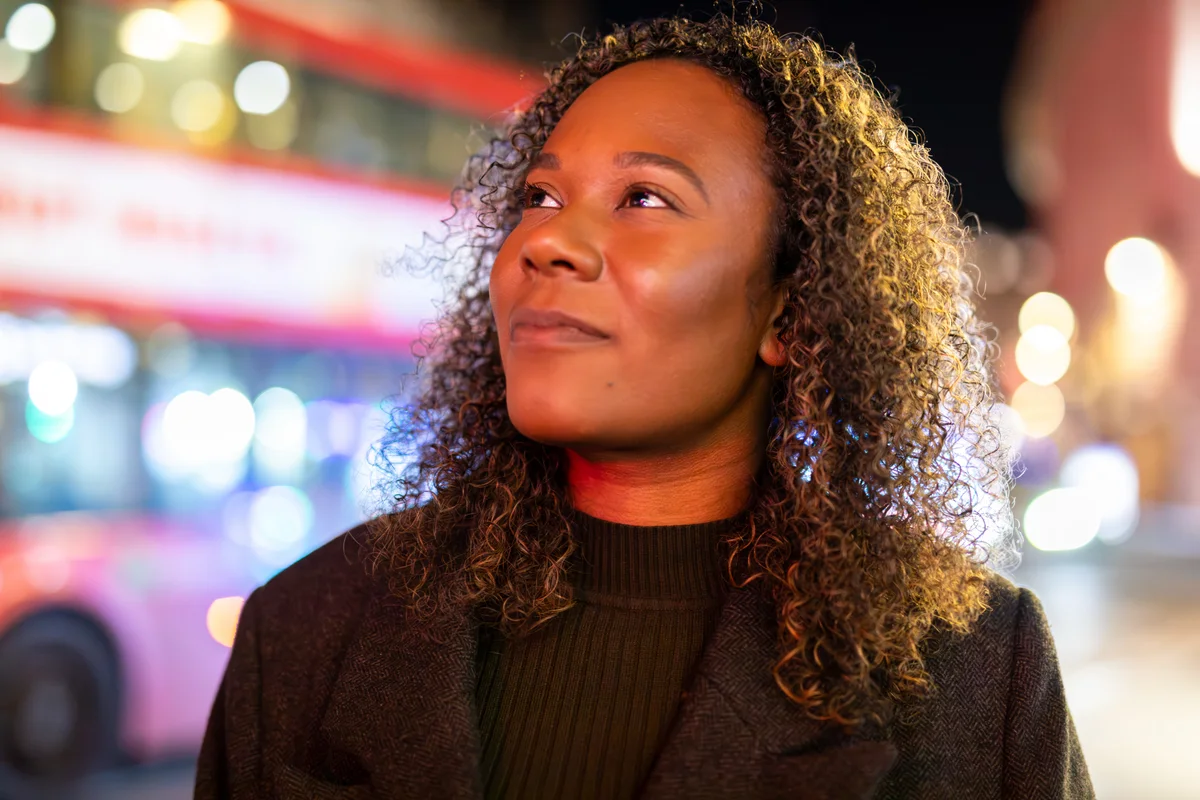
Train separate models for different styles, with your choice of colour profile, preset and subject masks.
Have a model for each.
Whether you use Auto on its own or with a preset, FotoLab can give you a better baseline edit. It learns from your finished edits to bring new photographs closer to your style from the start.
Three tools, the same training photos and the same 1,000 test photos.
more photographs on target
than Imagen
A photo matches only when all ten Lightroom sliders fall within the allowed margins of the photographer’s edit.
more photographs on target
than Imagen
A photo matches only when all ten Lightroom sliders fall within the allowed margins of the photographer’s edit.
Explore each adjustment on its own. At 10k training photos, FotoLab leads on every slider.
62.4%
of FotoLab photos on target
A match is within 200 K of the photographer’s temperature setting.
79.1%
of FotoLab photos on target
A match is within 4 points of the photographer’s tint setting.
72.6%
of FotoLab photos on target
A match is within 0.25 stops of the photographer’s exposure setting.
83%
of FotoLab photos on target
A match is within 5 points of the photographer’s contrast setting.
73.7%
of FotoLab photos on target
A match is within 8 points of the photographer’s highlights setting.
71%
of FotoLab photos on target
A match is within 8 points of the photographer’s shadows setting.
75.2%
of FotoLab photos on target
A match is within 8 points of the photographer’s whites setting.
88.3%
of FotoLab photos on target
A match is within 8 points of the photographer’s blacks setting.
81%
of FotoLab photos on target
A match is within 4 points of the photographer’s vibrance setting.
78.8%
of FotoLab photos on target
A match is within 4 points of the photographer’s saturation setting.
50.1%
of FotoLab photos on target
A match is within 200 K of the photographer’s temperature setting.
69.8%
of FotoLab photos on target
A match is within 4 points of the photographer’s tint setting.
67%
of FotoLab photos on target
A match is within 0.25 stops of the photographer’s exposure setting.
76%
of FotoLab photos on target
A match is within 5 points of the photographer’s contrast setting.
64.1%
of FotoLab photos on target
A match is within 8 points of the photographer’s highlights setting.
55.5%
of FotoLab photos on target
A match is within 8 points of the photographer’s shadows setting.
65.1%
of FotoLab photos on target
A match is within 8 points of the photographer’s whites setting.
83.1%
of FotoLab photos on target
A match is within 8 points of the photographer’s blacks setting.
69.5%
of FotoLab photos on target
A match is within 4 points of the photographer’s vibrance setting.
66.3%
of FotoLab photos on target
A match is within 4 points of the photographer’s saturation setting.
Tag photographs you have already edited in Lightroom. Include a range of lighting and subjects.
Choose the catalog and keyword. FotoLab trains on your edits to learn your style, entirely on your computer. Your photographs and training data stay local.
Use your trained model to replicate your editing style on new photographs. Review and refine the adjustments in Lightroom. Your originals are preserved.
Group and review your photographs before editing.
Explore culling →Automation for every workflow. Choose your folders and let FotoLab process incoming RAWs in your style.
Explore automation →