How many photos do you need to train Imagen or Aftershoot?
Aftershoot recommends training on 5,000 finished edits. We gave Aftershoot, Imagen and FotoLab the same 5,000 photos to see how closely each could match a photographer’s Lightroom edits.
By FotoLab Team
Imagen needs 2,000 edited photos to train a Personal AI Profile. Aftershoot needs 2,500 for a Professional AI Profile and recommends starting with at least 5,000. If you’re going back through a season’s worth of Lightroom catalogues to find that many edits, what can you expect the profile to get right? Imagen training requirements · Aftershoot training guide
What happened at 5,000 edits each?
We used Aftershoot’s recommended starting size. All three tools learned from the same 5,000 photos and edited the same 1,000 unseen photos. A photo counted as a match when all ten measured Lightroom sliders came within tolerance of the photographer’s original edit. Exposure, for example, had to be within a quarter of a stop.
Out of 1,000 photos, FotoLab matched all ten sliders on 116. Imagen did it on 6 and Aftershoot on 3. Even at 5,000 training edits, both competitors matched all ten on fewer than one photo in a hundred.
A growing lead.
With the same 5,000 training photos, FotoLab matched all ten sliders about 19 times as often as Imagen, the next closest result.
11.6%FotoLab 5,000 training photographs
Higher is better
2,600 training photographs
FotoLab4.7%
5,000 training photographs
FotoLab11.6%
Aftershoot0.3%
Imagen0.6%
10,000 training photographs
FotoLab24.1%
Aftershoot1.5%
Imagen1.7%
5,000 training photographs
FotoLab11.6%
Aftershoot0.3%
Imagen0.6%
Share of 1,000 test photos with all ten settings within tolerance of one photographer’s Lightroom edits. The 2,600-photo point is a FotoLab run. The first scored comparison with all three tools is at 5,000. See the methodology · Download the data
Where did the edits differ?
A photo can pass on exposure and still be off on white balance or shadows. Looking at each slider separately shows where the differences came from. At 5,000 training photos each, FotoLab was ahead on every measured slider. For Highlights, it landed within tolerance on 64.1% of the photos, compared with 49.6% for Imagen and 35.6% for Aftershoot.
Training photos
Temperature
62.4%
of FotoLab photos on target
A match is within 200 K of the photographer’s temperature setting.
Photos with temperature on targetHigher is better
Tint
79.1%
of FotoLab photos on target
A match is within 4 points of the photographer’s tint setting.
Photos with tint on targetHigher is better
Exposure
72.6%
of FotoLab photos on target
A match is within 0.25 stops of the photographer’s exposure setting.
Photos with exposure on targetHigher is better
Contrast
83%
of FotoLab photos on target
A match is within 5 points of the photographer’s contrast setting.
Photos with contrast on targetHigher is better
Highlights
73.7%
of FotoLab photos on target
A match is within 8 points of the photographer’s highlights setting.
Photos with highlights on targetHigher is better
Shadows
71%
of FotoLab photos on target
A match is within 8 points of the photographer’s shadows setting.
Photos with shadows on targetHigher is better
Whites
75.2%
of FotoLab photos on target
A match is within 8 points of the photographer’s whites setting.
Photos with whites on targetHigher is better
Blacks
88.3%
of FotoLab photos on target
A match is within 8 points of the photographer’s blacks setting.
Photos with blacks on targetHigher is better
Vibrance
81%
of FotoLab photos on target
A match is within 4 points of the photographer’s vibrance setting.
Photos with vibrance on targetHigher is better
Saturation
78.8%
of FotoLab photos on target
A match is within 4 points of the photographer’s saturation setting.
Photos with saturation on targetHigher is better
Temperature
50.1%
of FotoLab photos on target
A match is within 200 K of the photographer’s temperature setting.
Photos with temperature on targetHigher is better
Tint
69.8%
of FotoLab photos on target
A match is within 4 points of the photographer’s tint setting.
Photos with tint on targetHigher is better
Exposure
67%
of FotoLab photos on target
A match is within 0.25 stops of the photographer’s exposure setting.
Photos with exposure on targetHigher is better
Contrast
76%
of FotoLab photos on target
A match is within 5 points of the photographer’s contrast setting.
Photos with contrast on targetHigher is better
Highlights
64.1%
of FotoLab photos on target
A match is within 8 points of the photographer’s highlights setting.
Photos with highlights on targetHigher is better
Shadows
55.5%
of FotoLab photos on target
A match is within 8 points of the photographer’s shadows setting.
Photos with shadows on targetHigher is better
Whites
65.1%
of FotoLab photos on target
A match is within 8 points of the photographer’s whites setting.
Photos with whites on targetHigher is better
Blacks
83.1%
of FotoLab photos on target
A match is within 8 points of the photographer’s blacks setting.
Photos with blacks on targetHigher is better
Vibrance
69.5%
of FotoLab photos on target
A match is within 4 points of the photographer’s vibrance setting.
Photos with vibrance on targetHigher is better
Saturation
66.3%
of FotoLab photos on target
A match is within 4 points of the photographer’s saturation setting.
Photos with saturation on targetHigher is better
Did another 5,000 edits close the gap?
We doubled the training set and ran all three tools on the same test photos again. Imagen rose from 6 to 17 all-ten matches, and Aftershoot from 3 to 15. FotoLab went from 116 to 241. The gap widened from 110 to 224 photos against the nearest competitor. Even with half the training data, FotoLab at 5,000 was ahead of both 10,000-photo profiles on all ten individual sliders.Full benchmark results
What if you have fewer than 5,000 finished edits?
FotoLab starts at 200 edited photos and recommends 2,000–5,000 for most photographers. In this benchmark, its 2,600-photo model already matched all ten sliders on 47 test photos, more than either competitor achieved at 10,000. If you have around a thousand finished edits that represent your work today, you can start training with those. FotoLab training guidance
Which edits should you pull from Lightroom?
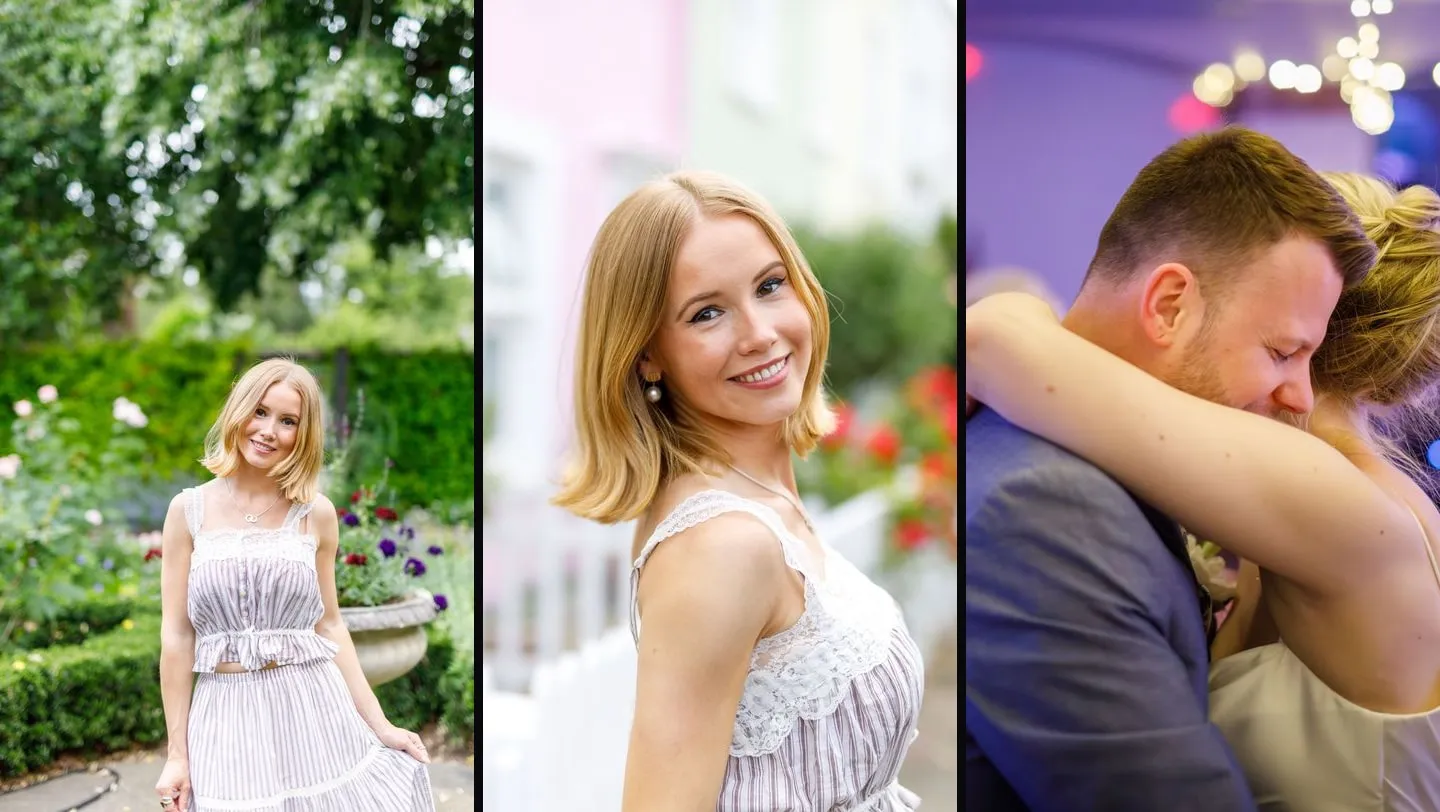
Garden shadeDaylightReception lighting
Start with recent delivered work. In Lightroom Classic, collect photos with finished Develop settings. If you changed your look last season, choose the jobs you’d use to show a client how you edit now.
Cover a full day’s lighting. For a wedding profile, include window-lit preparations, outdoor portraits, indoor ceremonies and dark receptions. When you add another gallery, look for conditions your first set is missing.
Add the photos you had to correct. When FotoLab gets an edit wrong, fix it in Lightroom and include the corrected photo the next time you train. We’ve seen better results after retraining with those corrections.
With FotoLab Pro, you can train on the Lightroom edits you already have and build from there. Training runs on your computer. See how FotoLab learns your style.